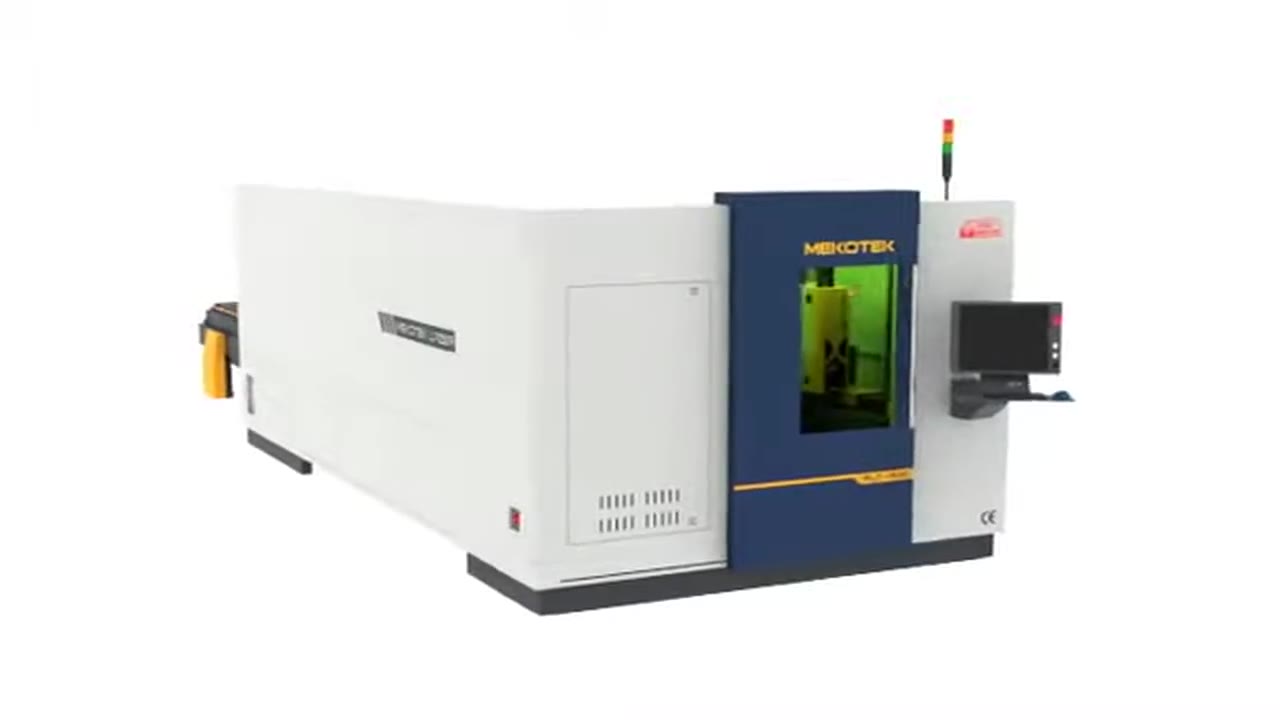
What to Ask Before Putting a Laser Cutting Machine on Your Network
By Brad Cairns
Published Updated
A supplier says the machine is "IoT-ready" or "connected." Before that changes anything on your floor, it is worth working out what that actually means for your network, your data and your maintenance contract. This is a list of the questions to put to a supplier, an IT lead or a controls integrator before any production machine is wired into a network — laser cutting or otherwise. It does not describe what any specific machine does; it describes what to confirm before treating a connectivity claim as a reason to buy.
What machine data is actually worth having
Vendors market dashboards. What a shop needs from a machine is often narrower and less glamorous than a dashboard suggests.
- Machine state and uptime. Is the machine cutting, idle, in alarm, or in a changeover? A running log of state transitions, even a simple one, tells you more about real capacity than almost any other single data source.
- Alarms and fault codes. A timestamped alarm history lets you find repeat failures and compare them against maintenance records, instead of relying on an operator's memory of "it does this sometimes."
- Consumable counters. Nozzle, lens and gas usage tied to hours or cut length supports a real maintenance schedule rather than a calendar guess.
- Program and job records. Which program ran, on which material, for how long. This is the data that lets you reconcile quoted time against actual time on a part.
A dashboard that shows a machine icon turning green and red is not the same thing as any of the above. If a sales conversation stays at the level of a dashboard screenshot, ask to see the underlying data fields and how far back they are retained.
Questions for the supplier before you connect anything
Put these in writing and get written answers, not a verbal assurance during a demo.
- What protocol does the machine speak, and to what? OPC UA, MTConnect, a proprietary API, or a vendor-hosted cloud service are different commitments. A proprietary format that only the vendor's own software can read is a form of lock-in worth pricing in.
- Where does the data live? On a local historian you control, or on a vendor's cloud platform? If it is the vendor's cloud, ask what jurisdiction the servers are in and what happens to your historical data if you stop paying for the service.
- Who owns the data, contractually? Not "who generated it" — who has the legal right to export it, delete it, and use it, including after the contract ends.
- Can you export it in a usable format, on demand, without the vendor's involvement? A yes with a documented method beats a yes with no method.
- Does the machine need outbound internet access to function, or only to report data? A machine that stops cutting when it loses an internet connection is a different risk profile than one that simply stops reporting.
- Who can remotely access the control, and how is that access granted and revoked? Ask specifically whether a service technician's remote session requires your explicit approval each time, or whether the vendor holds standing credentials.
- What happens at end of contract or end of support? Does data collection stop, does the control revert to local-only operation, and do you retain what was already collected?
If a supplier cannot answer these in specific terms, that is itself useful information about how mature their connectivity offering actually is.
Keep the machine off the office network
Whatever the machine reports, the network it sits on is a separate decision from what data it produces. Industrial control equipment, including CNC and laser cutting controls, should not share a flat network with office workstations, email and general internet browsing. A compromised laptop on the same broadcast domain as a machine control is a realistic path to downtime that has nothing to do with the machine's own software.
The practical version of segmentation for a smaller shop does not require an enterprise security team:
- Put production equipment on its own VLAN or physically separate network segment.
- Restrict outbound internet access from that segment to only what is required — a specific vendor endpoint, not general web access.
- Require any remote access to go through a monitored gateway or VPN with logging, not a standing connection into the control itself.
- Keep a record of every third party with any form of access to the network segment, and review it at renewal time along with the service contract.
NIST's guidance on cybersecurity for smart manufacturing systems and its foundational cybersecurity activities for IoT product manufacturers both treat segmentation, credential management and data governance as baseline practice, not advanced hardening — see Sources below.
Patching and the reality of end-of-support hardware
Industrial controls are not laptops. A control platform can run for a decade or more, and the underlying operating system or communication module may reach end of vendor support well before the mechanical machine is retired. Before connecting anything:
- Ask what operating system or firmware the control or any connected module runs, and what the vendor's patching cadence and end-of-support date are.
- Ask what happens if a critical vulnerability is disclosed in that platform after support ends — is there a compensating control, or is the machine expected to run unpatched.
- Treat an unpatchable, internet-facing control as a segmentation problem to be solved with network isolation, not a software problem the vendor will eventually fix.
None of this is a reason to avoid connectivity outright. It is a reason to treat it as an IT and contracts decision with the same rigor as any other capital purchase, not as a feature that arrives free with the ability to plug in an ethernet cable.
The discipline the data still requires
Collecting machine data does not by itself produce insight. A state log is only useful if someone reviews the alarm history weekly and acts on repeat faults. A consumable counter only prevents a failure if the replacement is ordered before the counter runs out. Before adding connectivity, it is worth asking who on staff will own that review, and whether the shop already tracks the same information manually with enough consistency that a connected system would genuinely improve on it, rather than just digitizing a habit that does not exist.
If you are evaluating machine data as one piece of a larger shop-floor visibility effort, Industry 4.0 in a fabrication shop covers the sequence a shop needs to get right before integration adds value.
Backups and what "recovery" actually means
Ask what happens if the control's storage fails or a program is corrupted: is there an automatic backup of programs, offsets and settings, and where is it kept. A vendor that answers "the cloud backs it up" should be asked how quickly a backup can be restored to a replacement control, and whether that restoration has ever been tested rather than assumed. A shop that has never actually restored from a backup does not know whether it has one.
A short checklist before signing
- Data fields, retention period and export method confirmed in writing.
- Data ownership and post-contract rights confirmed in the contract, not a sales deck.
- Network segmentation plan agreed before the machine ships, not after an incident.
- Remote access policy — who, when, and how it is logged — documented and reviewed annually.
- Patching and end-of-support dates for the control platform on file.
- A named person on staff responsible for reviewing whatever data is collected.
None of this requires refusing a connected machine. It requires treating connectivity as a contract term and an IT decision, evaluated with the same care as the machine's mechanical specification.
Sources
These sources support generic cybersecurity and IT-governance context for industrial equipment; they are not a description of any Mekotek product's capabilities.
- NIST, Cybersecurity for Smart Manufacturing Systems
- NIST, Foundational Cybersecurity Activities for IoT Product Manufacturers If you want to talk through how a specific machine's connectivity options fit your network and IT policy before you buy, contact us with your questions.
See the machines behind the article
Browse the full Mekotek product brochure, or book a live demo and watch a Mekotek fiber laser cut your own material.
Related Articles
Fiber Laser Welding Guide: Process, Fit-Up and Power Selection
Handheld fiber laser welding trades broad heat input for narrow, concentrated heat — and it demands tighter fit-up than arc welding to deliver that benefit.
Tube Laser Cutting: Dedicated Machine or Sheet + Tube Combo
How round, square, rectangular and open-profile tube is cut on a laser, and how to decide between a dedicated tube machine and a sheet-plus-tube combo.
Material Handling Around a Laser: From Manual to Automated
The laser spends part of every shift waiting on metal to be moved, not cut. A stage-by-stage look at handling sheet and tube, and when automating it is justified.